Journaling on your own, with something to describe
Reflection practice alone, with a psychologist, or in a group
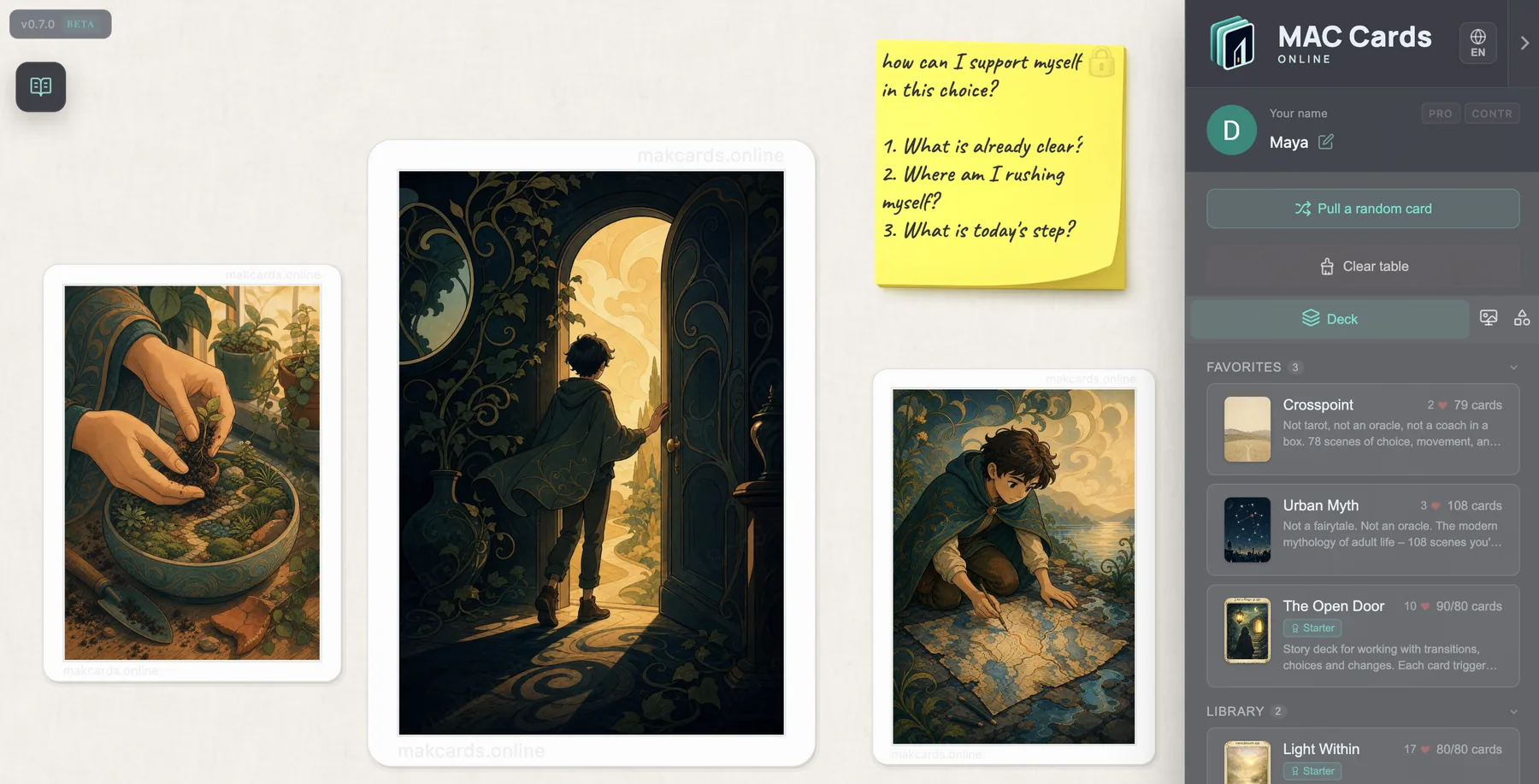
Two ways to start: open a link from a psychologist and join an existing session, or open the platform yourself and begin working with public decks right away. Write private notes, reflect at your own pace, and explore image and word cards – all in the browser, no installation needed.
Self-Work Navigator: 14 prompt sequences
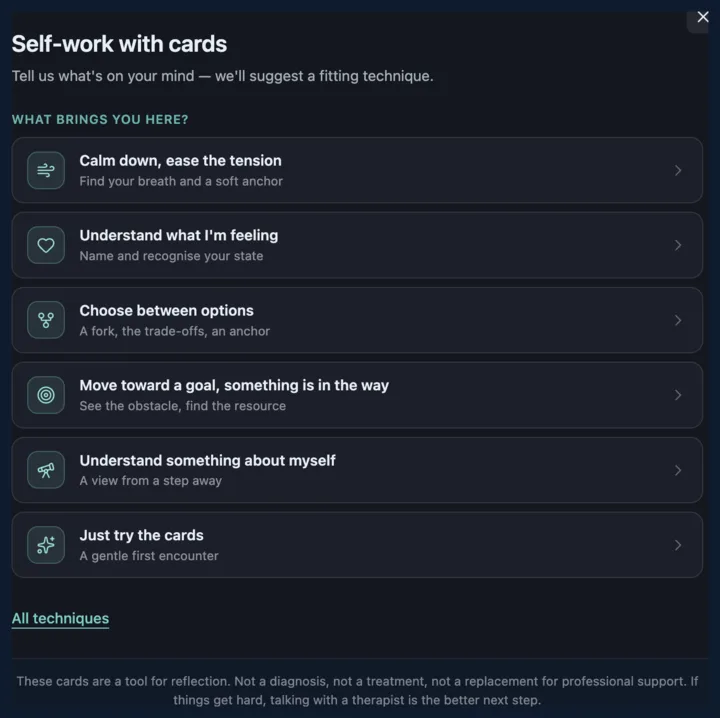
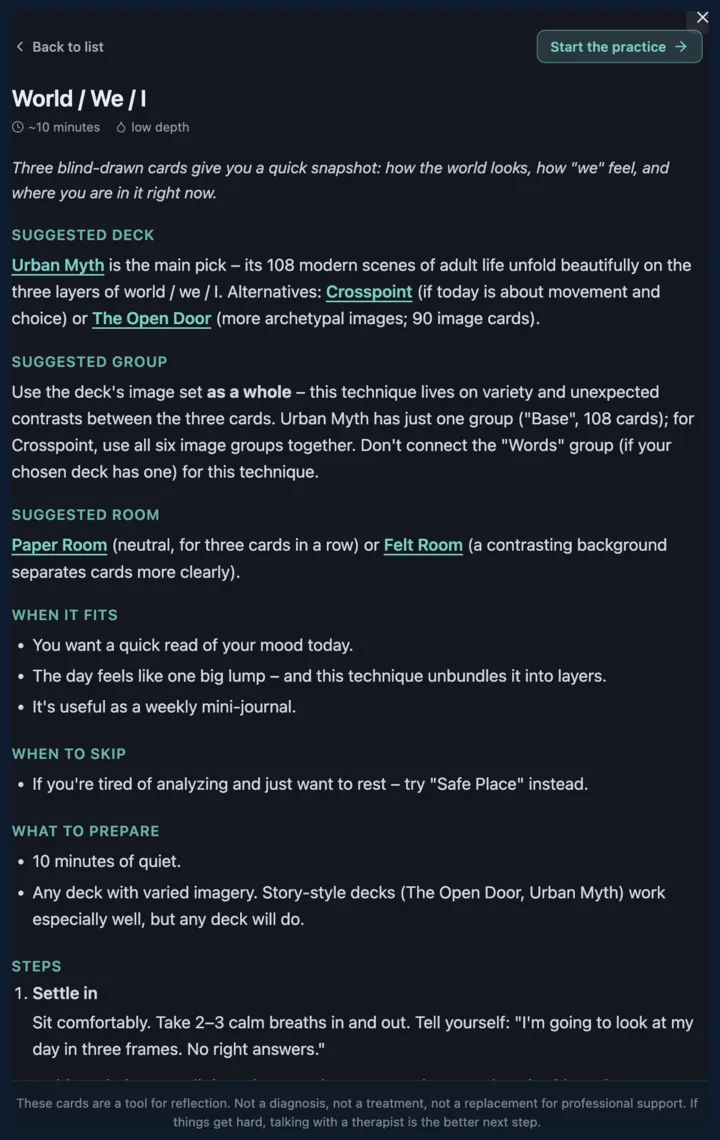
Open the platform and you'll see a launcher in the top-left corner: that's Self-Work Navigator. Pick a question, pick a technique, and the steps run themselves. All fourteen sequences live inside it.



How to run a session on your own
A simple five-step way to do a short self-reflection session with metaphorical cards in the browser, without a therapist.
-
1
Pick a short question for yourself.
One simple question you want to look at right now. "What is going on inside today?", "What am I not noticing here?". If no question comes, just stay with attention to yourself.
-
2
Open a deck and draw one card blind.
Do not pick by sight. Let the platform draw a card for you. The card you get becomes the image to work with.
-
3
Look at the card silently for 30 seconds.
Let your eyes wander. Do not interpret yet. Notice what you see first.
-
4
Ask three open questions.
"What do I see here?", "What does this card remind me of?", "What in this card matches my situation?". One short answer each, out loud or in a note.
-
5
Write one sentence to take with you.
One line you want to remember after the session. Save it as a private note in the platform, or write it on paper.
Two ways to start
You can join a session created by someone else, or start your own in seconds.
Invited by a psychologist
- Open the link your psychologist shared
- You are in the session – instantly
- No sign-up required
- Draw cards, write notes, use the chat
Start on your own
- Open the platform
- A session is created for you automatically
- Choose a public deck
- Work at your own pace
An account (Google sign-in) is needed to activate invite codes and access acquired decks.
How people use the platform
Solo or with others – choose the format that fits.
Solo self-reflection
Open the platform, pick a deck, and draw cards. Write private notes that only you can see. Reflect at your own pace, in a quiet space, with no time pressure.
Session with a psychologist
Your psychologist sends a link. You open it and join the session in the browser. Work with cards together on a shared board – draw, discuss, take notes.
Group & methodical work
Join a group session by link. Everyone works on the same shared board. The facilitator guides the process, chooses the deck, and sets the note mode for the group.
Transformational games
Use colored tokens (5 colors) and a six-sided die for T-game formats. The facilitator manages the board while participants move tokens and roll dice.
Without a dedicated platform
- Cards shown via camera – no interaction, you can only watch
- PDF or JPG files – no working environment, no notes, no shared space
- No shared board for group work – everyone is isolated
- No safe format for private reflection – no note privacy controls
With MAC Cards Online
- Interactive shared board – draw, flip, move, and arrange cards together
- Three note modes – private, anonymous, or public, depending on the session
- Join by link – no installation, no mandatory sign-up
- Public decks available immediately, plus author decks via invite codes
Decks and cards
Image cards and word cards for different types of reflection and practice.
Public decks
- Available immediately, without an account
- Include image cards and word cards
- Suitable for self-reflection and group practice
- New decks are added to the public library over time
Acquired & author decks
- Obtained via invite codes from deck creators
- Require a Google account to activate
- Tied to your account, available in any session
- Appear in the “Purchased” section of the deck panel
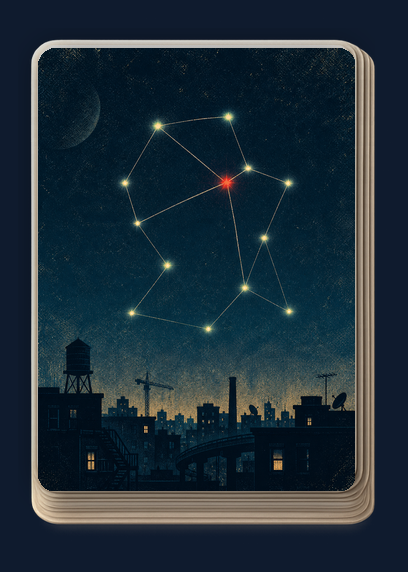
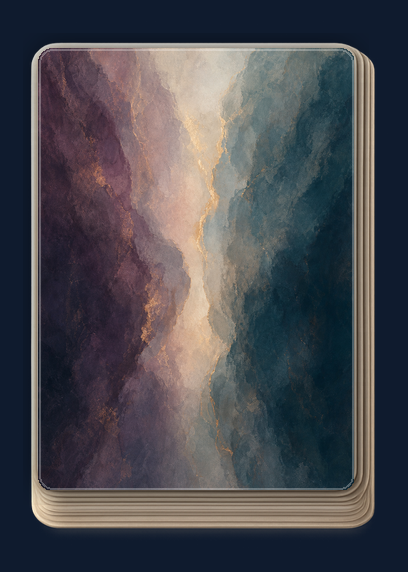
Six built-in decks ship with the platform. Each one fits a different kind of question:
Privacy and simplicity
Clear rules for who sees what, and a low barrier to start.
By-link access
Open a link and you are in the session. No installation, no sign-up form, no waiting.
Private notes
Only the author can see their note. No one else – not the host, not other participants.
Anonymous notes
Everyone sees the text. Only the host sees who wrote it. Safe for sensitive topics.
Public notes
Everyone sees the text and the author. Open discussion format for group reflection.
No mandatory registration
Create and join sessions, use public decks, write notes, and chat – all without an account.
Session not saved automatically
Take a screenshot if you want to preserve the board. The platform does not store session content. Not a medical service.
Platform features
Everything the practice needs, right in the browser.
Instant start
Open the platform or a session link – you are in. No sign-up forms, no installation, no waiting. Start working with cards immediately.
Three note modes
Private – only you see your note. Anonymous – everyone sees the text, only the host sees the author. Public – everyone sees text and author. Choose what fits the moment.
Shared board in real time
Everyone sees and interacts with the same cards on a synchronized canvas. Draw, flip, move, and arrange cards together. Notes and chat sync across all participants.
Public deck library
A collection of image and word card decks available to everyone without an account. Pick a deck and start drawing cards right away.
Rooms and atmosphere
Different rooms with distinct visual themes set the mood for the session. Choose an atmosphere that supports the type of work you are doing.
Tokens and dice
Colored tokens (5 colors) and a six-sided die (d6) for transformational game formats. Server-generated dice rolls.
Browser-based
Works in any modern browser on desktop and tablet. No app to install – for you or for anyone joining your session.
Access model
Start instantly without an account. Sign in or upgrade when you need more.
Without account
No sign-in required
- Join sessions via link
- Create your own session
- Use public decks
- Write notes (all three modes)
- Use chat
- Tokens and dice
With account
Sign in with Google
- Everything from Without account
- Activate invite codes
- Access acquired decks
- Profile and display name
- Notifications
Premium
Unlocks advanced features
- Everything from With account
- Explicit session saving (host chooses to save)
- Extra session slots
What you get right now
A working platform – not a concept, not a waitlist.
Instant start by link
Open a link, you are in the session
Self-start without sign-in
Open platform, session auto-created
Public decks available
Image and word cards, no account needed
Purchased decks tied to account
Invite codes, linked to your profile
3 note modes
Private, anonymous, and public
Real-time sessions
Shared board syncs across all participants
Tokens and dice
5 colors + d6
Browser-based
Desktop + tablet, no installation
FAQ
Common questions about using the platform for self-reflection and sessions.
Getting started
Do I need to register?
How do I join a session by link?
Can I start working on my own?
When do I need to sign in?
Does it work on a tablet?
Decks & cards
Which decks are free?
How do I get additional decks?
Where do acquired decks appear?
What are word cards?
Privacy
Who can see my notes?
Who can join my session?
Is session history saved?
Is this a medical service?
T-games & rooms
What are tokens and dice?
Are there special rooms for specific methods?
Start now
Open the platform and start with one card and three questions. No sign-up, no installation.
Have questions? Write us on Telegram